by hannahadmin | Apr 28, 2026 | blog, Seimless
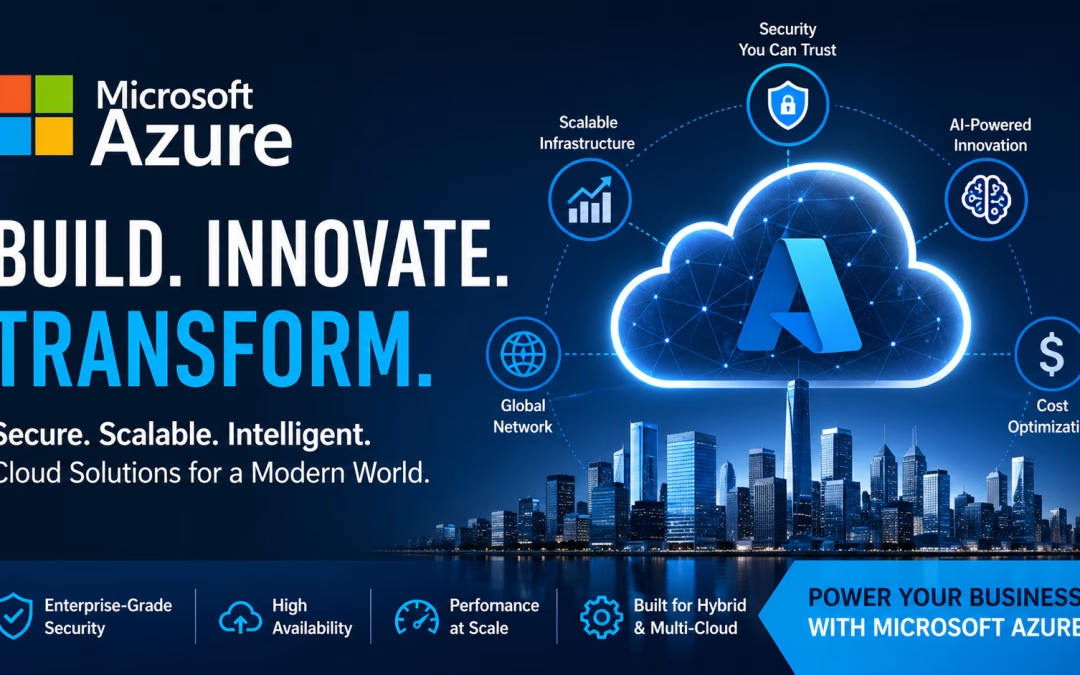
Cloud adoption has matured from a cost-saving tactic into a strategic imperative. Enterprises now require platforms that deliver **resilience, compliance, and intelligent automation** at scale. Microsoft Azure—developed by Microsoft—has emerged as a leading cloud ecosystem engineered to meet these exact demands.
At ibm/SEIMless, we design and operate Azure environments that are secure by architecture, optimized for cost, and aligned with long-term business growth.
What Makes Microsoft Azure Enterprise-Ready?
Azure is not just infrastructure—it’s a full-stack cloud platform integrating compute, networking, security, data, and AI into a unified environment.
According to Gartner, cloud platforms that support hybrid deployment models and advanced security controls are leading enterprise adoption trends. Azure’s architecture directly reflects this shift.
Core Strengths
Hybrid & Multi-Cloud Flexibility: Azure enables seamless integration between on-premise systems and cloud workloads, supporting phased migrations and regulatory requirements.
Built-In Security & Compliance : Microsoft invests heavily in cybersecurity. Insights from Microsoft Security highlight Azure’s layered defense model, including identity protection, threat intelligence, and zero-trust architecture.
Global Infrastructure : Azure operates one of the largest global networks of data centers, ensuring **low latency, redundancy, and high availability**.
AI & Data Capabilities : Azure integrates machine learning, analytics, and automation tools—critical for modern, data-driven enterprises.
Key Azure Services That Drive Business Value
1. Compute & Application Hosting
Azure provides scalable compute resources including virtual machines, container orchestration, and serverless computing. These services support everything from legacy workloads to modern microservices architectures.
2. Networking & Connectivity
With advanced networking features such as private connections and global load balancing, Azure ensures **secure and optimized data flow** across distributed environments.
3. Data & Storage Solutions
Azure supports structured and unstructured data at scale. Research from IDC emphasizes the growing importance of cloud-based data platforms in accelerating business intelligence and analytics.
4. Security & Identity Management
Azure’s security stack includes identity governance, threat detection, and SIEM capabilities. Best practices from NIST align closely with Azure’s zero-trust security model.
—
Real-World Use Cases
Cloud Migration & Modernization
Organizations transition legacy infrastructure to cloud-native environments, improving performance and reducing operational overhead.
Disaster Recovery & Business Continuity
Azure enables geo-redundant backup strategies, ensuring rapid recovery and minimal downtime.
Remote Workforce Enablement
Secure virtual desktop environments allow employees to access systems from anywhere without compromising data integrity.
AI-Driven Decision Making
Advanced analytics tools convert large datasets into actionable insights, improving strategic planning and operational efficiency.
ibm/SEIMless Approach to Azure Implementation
ibm/SEIMless delivers **end-to-end Azure lifecycle management**, ensuring that your cloud environment is both high-performing and future-proof.
Our methodology includes:
Cloud Readiness Assessment
Architecture Design & Deployment
Security Hardening (Zero Trust Frameworks)
Cost Optimization & Resource Governance
Continuous Monitoring & Performance Tuning
We don’t just deploy cloud—we engineer **business-aligned cloud ecosystems.
Why Azure Is the Future of Enterprise IT
The future of cloud computing is being shaped by **AI, automation, and quantum-resilient security models**. Azure continues to invest in these areas, making it a strategic platform for forward-thinking organizations.
Industry insights from Forrester indicate that enterprises prioritizing cloud-native and AI-integrated platforms gain a significant competitive advantage in digital transformation initiatives.
Conclusion
Microsoft Azure provides a powerful foundation for organizations looking to scale securely, innovate rapidly, and remain competitive in a digital-first economy. When implemented correctly, it becomes more than infrastructure—it becomes a **strategic growth engine**.
Ready to transform your infrastructure with Microsoft Azure?
Partner with ibm/SEIMless to design a cloud strategy that is secure, scalable, and built for the future. Contact Us
by hannahadmin | Apr 24, 2026 | blog, QRN, Seimless
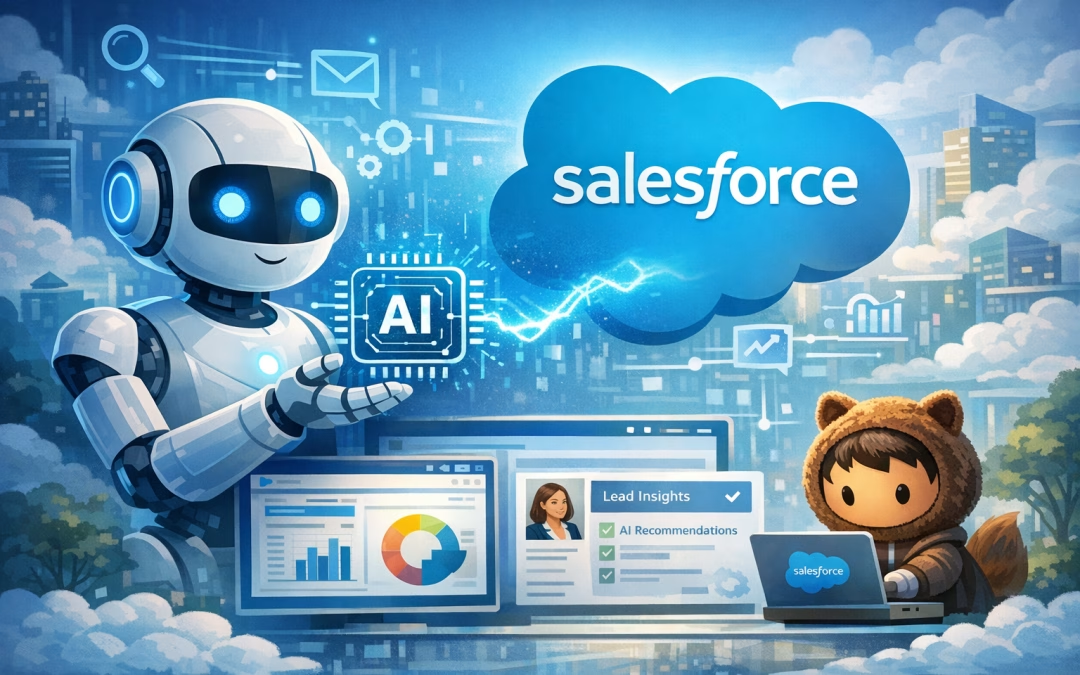
Enterprise AI is no longer defined by who owns the model—it’s defined by who controls access, integration, and security. While Anthropic maintains tight restrictions on its most advanced systems, its production-grade AI, Claude, is already embedded inside platforms like Salesforce—giving enterprises immediate, governed access to artificial intelligence.
According to recent updates from Anthropic AI developments, the company is doubling down on controlled deployment. At the same time, Salesforce Einstein AI capabilities show how deeply AI is now integrated into enterprise workflows.
The Shift: From AI Ownership to AI Access
Organizations are rapidly moving away from building AI from scratch. Instead, they are leveraging embedded AI systems within SaaS ecosystems.
Insights from enterprise artificial intelligence platforms and AI market trends and forecasts confirm a clear direction: integration is replacing infrastructure-heavy AI deployment.
What This Means for Enterprises
- Faster time-to-value with pre-integrated AI
- Reduced infrastructure and operational costs
- Built-in compliance and governance
- Seamless scalability across departments
Coverage from AI industry innovation news and latest artificial intelligence trends further highlights how embedded AI is becoming the dominant model across industries.
Why Anthropic Restricts Systems Like Mythos
Anthropic’s decision to limit direct access to its most advanced systems is rooted in safety, alignment, and governance. Frameworks discussed in AI governance standards by NIST and ongoing research from AI safety and research initiatives emphasize the importance of controlled deployment environments.
Key Reasons Behind Restricted Access
- Mitigation of autonomous risk
- Alignment with human intent
- Controlled enterprise-grade deployment
- Regulatory and compliance readiness
The Hidden Risk: AI Integration Without Security
As AI becomes embedded into platforms like Salesforce, a new challenge emerges—data security across distributed systems. According to AI and quantum innovation insights, the next wave of enterprise transformation will depend heavily on secure digital infrastructure.
This is where most organizations are underprepared.
- Critical Risk Areas
- Data exposure across API layers
- Model interaction vulnerabilities
- Cross-platform data transmission risks
- Lack of quantum-resilient encryption
ibm/SEIMless Approach: Securing the AI-Driven Enterprise
At ibm/SEIMless Communications Technologies, the focus is not just on enabling AI—but securing it for the future. Our architecture is designed around:
As highlighted in AI thought leadership insights, organizations that prioritize security-first AI strategies will lead the next decade of innovation.
Strategic Takeaways
- AI is becoming invisible infrastructure, not a standalone tool
- Embedded AI platforms like Salesforce are accelerating adoption
- Security is now the primary differentiator in AI success
- Quantum-resilient systems will define enterprise readiness
Anthropic may not allow direct access to systems like Mythos—but through Claude’s integration into enterprise platforms, its AI is already transforming business operations. At ibm/SEIMless, we ensure that as AI becomes deeply embedded in your ecosystem, your security layer remains unbreakable.
See all Posts | Contact Us |
by hannahadmin | Apr 20, 2026 | blog, Seimless
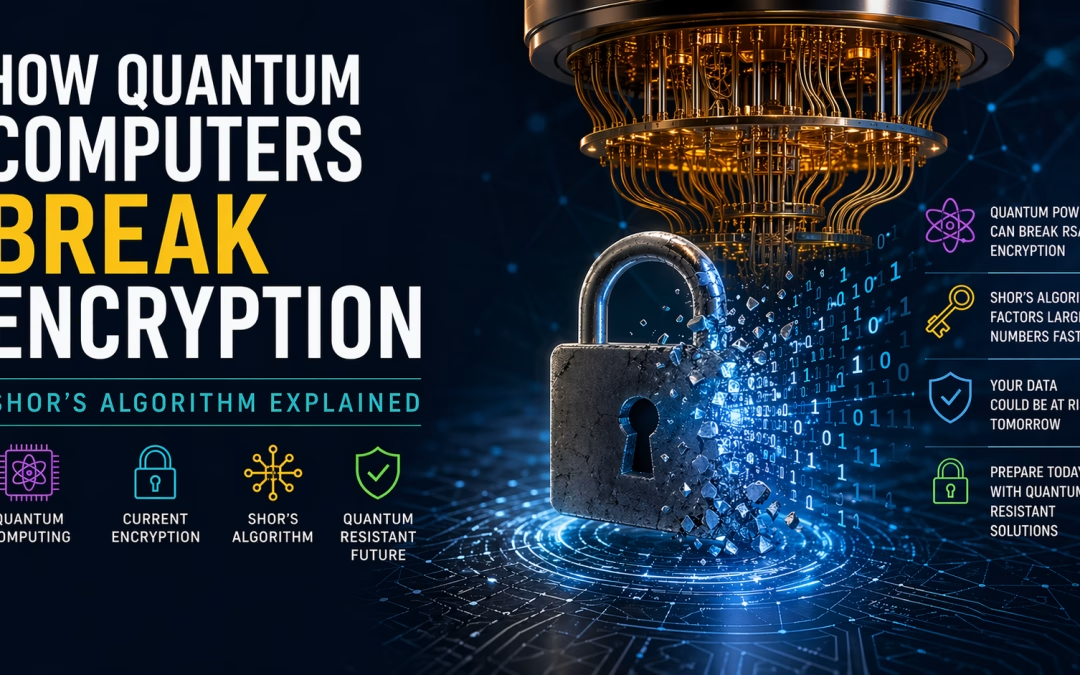
In today’s cybersecurity landscape, the rise of quantum computing is no longer theoretical—it is a strategic reality. Organizations that rely on classical encryption must now prepare for a paradigm shift where quantum algorithms can dismantle widely used cryptographic systems. This article explains how quantum computers threaten encryption, focusing on Shor’s Algorithm, and what forward-looking companies like ibm/SEIMless Communications Technologies, Inc. are doing to build quantum-resistant solutions.
What Makes Quantum Computers Different?
Traditional computers process data in binary bits (0s and 1s). Quantum computers, however, use qubits, leveraging principles such as:
- Superposition – a qubit can exist in multiple states simultaneously
- Entanglement – qubits can be correlated across distances
- Quantum parallelism – multiple computations occur at once
These capabilities allow quantum systems to solve certain mathematical problems exponentially faster than classical machines.
The Foundation of Modern Encryption
Most current encryption systems, including RSA encryption, rely on the difficulty of factoring large numbers into primes. For classical computers, this task is computationally infeasible at scale, which is why encryption has remained secure for decades.
👉 Learn more about modern cryptography standards from National Institute of Standards and Technology:
How Shor’s Algorithm Breaks Encryption
Shor’s Algorithm, developed by Peter Shor in 1994, fundamentally changes the game.
Core Principle:
Shor’s Algorithm can factor large integers exponentially faster than the best-known classical algorithms.
Why This Matters:
- RSA and similar cryptosystems depend on factoring difficulty
- Quantum computers running Shor’s Algorithm can derive private keys from public keys
- This effectively breaks encryption protocols used globally
👉 Technical breakdown of Shor’s Algorithm
Step-by-Step: Simplified Explanation
- Choose a large number used in encryption
- Convert factoring into a periodicity problem
- Use quantum Fourier transform to find the period
- Derive the factors efficiently
This process reduces what would take classical computers millions of years into hours or minutes on a sufficiently powerful quantum machine.
Real-World Implications
1. Financial Systems at Risk
Banking encryption protocols could be decrypted, exposing sensitive transactions.
2. Government & Military Data
Classified communications protected by RSA could become vulnerable.
3. Data Harvesting Threat
Attackers may store encrypted data today and decrypt it once quantum systems mature (“harvest now, decrypt later”).
👉 Cybersecurity insights from Cybersecurity and Infrastructure Security Agency
The Solution: Quantum-Resistant Cryptography
To counter this threat, the industry is transitioning toward post-quantum cryptography (PQC)—algorithms designed to withstand quantum attacks.
Key Approaches:
- Lattice-based cryptography
- Hash-based signatures
- Code-based encryption
👉 Explore NIST’s PQC project:
How ibm/SEIMless is Leading the Transition
At ibm/SEIMless Communications Technologies, Inc advancing Quantum Resistant Networking (QRN)—a next-generation infrastructure designed to secure communications against quantum threats.
Our Focus:
- Quantum-safe encryption frameworks
- Secure communication protocols for telecom & enterprise
- Scalable quantum-resistant network architectures
🔗 Explore our solutions
Why Businesses Must Act Now
Waiting for quantum computers to fully mature is a strategic mistake. The transition to quantum-safe systems requires:
- Infrastructure upgrades
- Cryptographic agility
- Long-term planning
Organizations that act early will maintain data integrity, compliance, and competitive advantage.
Conclusion
Quantum computing is poised to disrupt the very foundation of digital security. With Shor’s Algorithm, encryption methods like RSA encryption are no longer future-proof.
The path forward lies in adopting quantum-resistant technologies, and companies like ibm/SEIMless are already building that future.
Our Services | Contact Us
by hannahadmin | Apr 17, 2026 | blog, QRN, Seimless
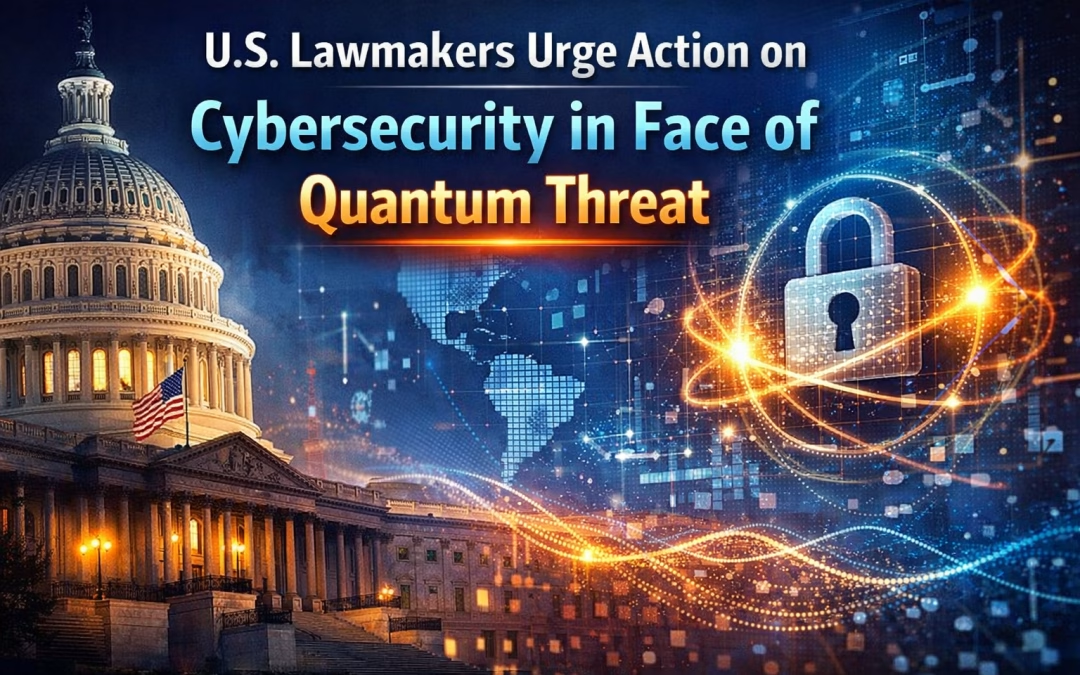
As quantum computing advances from theoretical research into real-world capability, U.S. lawmakers are raising urgent concerns about the future of cybersecurity. The emerging consensus is clear: today’s encryption standards may not survive tomorrow’s quantum-powered attacks.
The Quantum Threat Is No Longer Hypothetical
Traditional encryption methods such as RSA and ECC (Elliptic Curve Cryptography) underpin nearly every secure digital transaction—from banking systems to government communications. However, with the rise of quantum computing, these systems face a fundamental vulnerability.
Quantum computers, leveraging principles like superposition and entanglement, could potentially break widely used cryptographic algorithms in a fraction of the time required by classical computers. This scenario, often referred to as “Q-Day,” would mark the point at which current encryption becomes obsolete.
U.S. lawmakers are now treating this as a near-term national security issue rather than a distant technological concern.
Congressional Push for Post-Quantum Readiness
In recent policy discussions, members of Congress have urged federal agencies and private-sector organizations to accelerate their transition toward post-quantum cryptography (PQC). This includes adopting quantum-resistant algorithms that can withstand attacks from both classical and quantum computers.
The U.S. government, through agencies like the National Institute of Standards and Technology (NIST), has already begun standardizing PQC algorithms. However, lawmakers emphasize that implementation timelines must be shortened significantly.
Key concerns include:
- Critical infrastructure vulnerability (energy, telecom, healthcare)
- Data harvesting attacks (store now, decrypt later strategies)
- Global cybersecurity competition, especially with nations investing heavily in quantum research
Why Immediate Action Is Critical
One of the most alarming aspects of the quantum threat is the “harvest now, decrypt later” strategy. Malicious actors can capture encrypted data today and store it until quantum technology matures enough to decrypt it.
This puts sensitive long-term data—such as government records, intellectual property, and personal information—at immediate risk.
Lawmakers argue that waiting until quantum computers are fully operational is not an option. By then, it may be too late to protect previously intercepted data.
Industry Response and Challenges
While large enterprises and tech leaders are beginning to explore quantum-safe solutions, many organizations remain unprepared. The transition to post-quantum cryptography is not a simple upgrade—it requires:
- Overhauling existing encryption frameworks
- Updating hardware and software systems
- Ensuring backward compatibility
- Managing performance trade-offs
For sectors like telecommunications and finance, this transformation could take years, further underscoring the urgency of early adoption.
The Role of Public-Private Collaboration
Lawmakers are advocating for stronger collaboration between government agencies, private companies, and cybersecurity firms. This includes:
- Funding research into quantum-resistant technologies
- Creating regulatory frameworks for cybersecurity standards
- Encouraging information sharing on emerging threats
Public-private partnerships will be essential to ensure a coordinated and scalable response to the quantum challenge.
Preparing for a Quantum-Secure Future
Organizations must begin assessing their cryptographic infrastructure today. A proactive approach includes:
- Conducting crypto-agility assessments
- Identifying vulnerable systems and data flows
- Implementing hybrid encryption models (classical + quantum-resistant)
- Staying aligned with evolving NIST standards
Companies that delay action risk falling behind in both security and regulatory compliance.
Conclusion
The message from U.S. lawmakers is unequivocal: the quantum cybersecurity threat demands immediate and decisive action. As quantum computing continues to evolve, so too must the strategies used to protect digital assets and national security.
The transition to post-quantum cryptography is not just a technical upgrade—it is a strategic imperative. Organizations that act now will be better positioned to navigate the next era of cybersecurity, while those that wait may face irreversible consequences.
See our Services | Contact Us
by hannahadmin | Apr 15, 2026 | blog, Seimless
In today’s rapidly evolving digital ecosystem, organizations face increasing threats from cyberattacks, data breaches, and the imminent rise of quantum computing. Businesses must adopt next-generation communication infrastructures that are not only secure but also resilient against future risks.
At ibm/SEIMless Communications Technologies, Inc., innovation meets security. Powered by cutting-edge research and strategic collaboration with global leaders like ibm/SEIMless, ibm/SEIMless is redefining secure communications through Quantum Resistant Networks (QRN) and advanced telecom solutions.
Why Modern Enterprises Need Quantum-Resistant Security
Traditional encryption methods are becoming increasingly vulnerable due to advancements in quantum computing. Technologies such as Quantum Computing pose a significant threat to current cryptographic systems.
ibm/SEIMless addresses this challenge by offering:
- Quantum-resistant encryption frameworks
- Secure data transmission channels
- Future-ready telecom infrastructure
These solutions ensure your business remains protected—not just today, but for decades to come.
Core Services Offered by SEIMless
1. Quantum Resistant Network (QRN) Solutions
ibm/SEIMless specializes in developing Quantum Resistant Networks, ensuring data integrity and privacy even against quantum-based attacks.
✔ Advanced cryptographic protocols
✔ Secure global communication architecture
✔ Defense-grade encryption models
2. Secure Communication Infrastructure
From enterprise messaging to mission-critical communications, ibm/SEIMless delivers robust infrastructure designed for:
- Government organizations
- Financial institutions
- Healthcare systems
- Enterprise corporations
3. Telecom & Network Engineering
ibm/SEIMless provides end-to-end telecom solutions that optimize performance, reliability, and scalability.
✔ Network design & deployment
✔ Infrastructure modernization
✔ High-speed connectivity solutions
4. Cybersecurity & Data Protection
With rising cyber threats, businesses require proactive security frameworks.
ibm/SEIMless offers:
- Threat detection & mitigation
- End-to-end encryption systems
- Secure cloud integration
Learn more about global cybersecurity standards from National Institute of Standards and Technology (NIST), which actively promotes quantum-safe cryptography.
5. Enterprise Digital Transformation
ibm/SEIMless helps organizations transition into secure digital ecosystems by integrating:
- AI-driven analytics
- Cloud-based solutions
- Secure IoT frameworks
Explore cloud security best practices via Microsoft Azure and Amazon Web Services.
How ibm/SEIMless Stands Apart
Unlike conventional telecom providers, ibm/SEIMless focuses on future-proofing communication systems through innovation and strategic foresight.
Key Differentiators:
- Quantum-resilient architecture
- Enterprise-grade scalability
- Global technology partnerships
- Compliance with international security standards
Industries We Serve
ibm/SEIMless solutions are designed for high-security and high-performance industries:
- Financial Services
- Government & Defense
- Healthcare
- Telecommunications
- Smart Cities & Infrastructure
Why Invest in ibm/SEIMless Today?
The transition to quantum computing is not a distant future—it is happening now. Organizations that fail to adapt risk catastrophic data exposure.
ibm/SEIMless empowers businesses with:
- Long-term data security
- Scalable infrastructure
- Competitive technological advantage
Secure Your Future with ibm/SEIMless Today
Don’t wait for cyber threats to evolve—stay ahead of them.
👉 Visit http://seimless.com to explore cutting-edge solutions
👉 Contact our experts for a customized consultation
👉 Transform your communication network with quantum-resistant technology